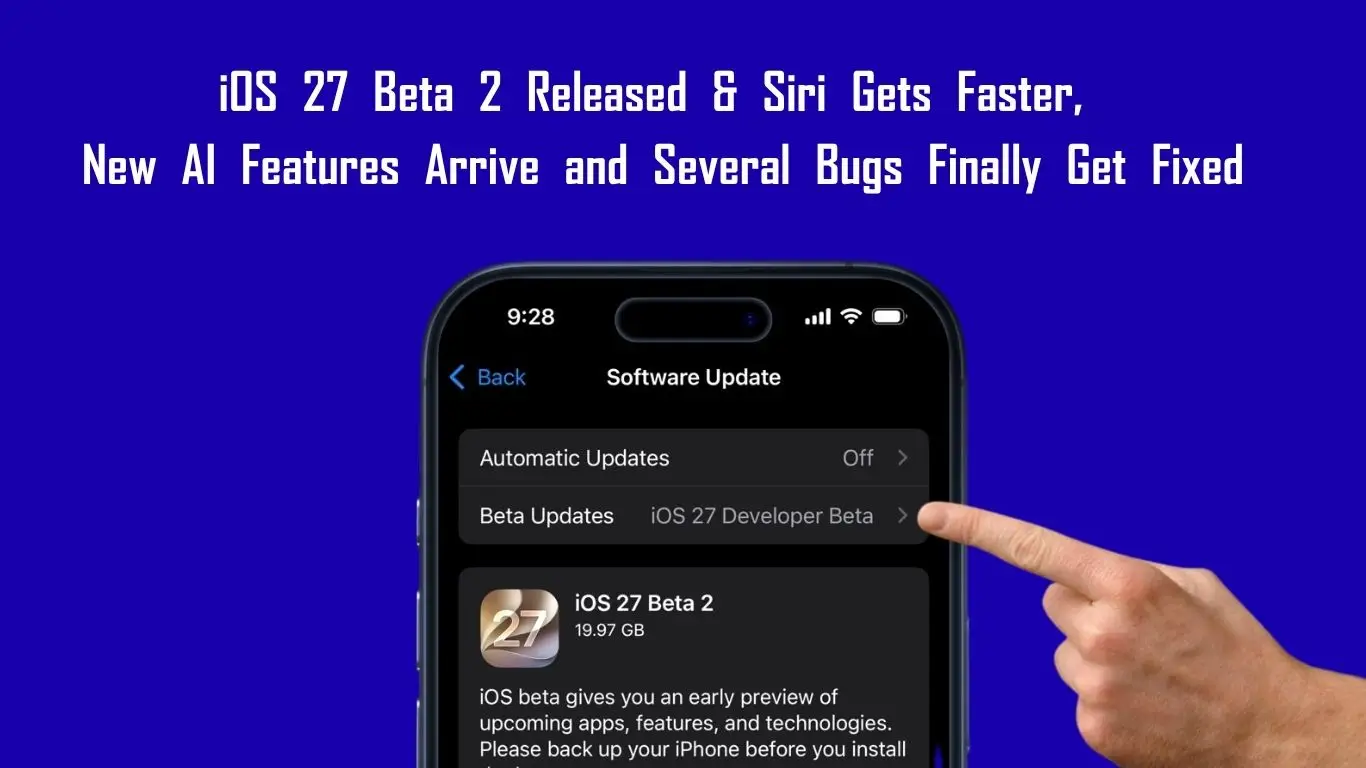
Apple has rolled out iOS 27 Beta 2, the second developer beta of iOS 27, although this update doesn’t bring any major visual redesign but it does introduce a number of improvements that make overall experience feel much more polished than first beta.
After testing this update on supported iPhones, one thing becomes clear that Apple is focusing heavily on refining Siri, expanding Apple Intelligence features and fixing some of the issues that users reported after installing Beta 1. If you were expecting flashy new animations or a redesigned interface, you might be disappointed. But if you care about everyday usability, Beta 2 brings several welcome changes.
Siri Finally Feels More Responsive
One of the biggest improvements in iOS 27 Beta 2 is Siri’s responsiveness. Many users noticed that Siri felt slightly sluggish in the first beta, especially when processing voice commands or answering simple questions. With the latest build, Siri appears to react faster and delivers responses more quickly. The difference is not dramatic enough to completely transform the experience, but it is noticeable during regular use. Whether you’re checking the weather, setting reminders, or asking quick questions, Siri now feels more natural and less delayed. This is exactly the kind of refinement Apple needed before the public beta rollout.
New Siri Settings Give Users More Flexibility
Apple has also quietly updated the Siri settings section. Users can now decide whether the dedicated Siri app should open with a fresh conversation or continue from recent chats. Here’s also a new option that lets you control how long Siri conversations are stored. You can choose to keep conversations for 30 days, one year, or indefinitely, depending on your preference. These additions may seem minor, but they provide greater transparency and control for users who frequently interact with Siri.
Visual Intelligence Becomes More Useful
Apple’s Visual Intelligence feature has received a practical upgrade in Beta 2. A new option allows users to highlight content directly from screenshots or images and instantly perform a visual search without going through multiple steps. In the previous beta, the process felt slightly cumbersome. Now it feels much quicker and more intuitive. For users who regularly search for products, landmarks, text, or objects from screenshots, this improvement could end up being one of the most useful additions in the update.
“Ask Siri” Is Expanding Across iOS
Another interesting change is how Apple is integrating Siri deeper into the operating system. The new “Ask Siri” shortcut is now appearing in several places across iOS, including Photos, Safari, and contextual menus. Instead of manually launching Siri every time, users can ask questions related to the content they’re viewing directly from within apps. This creates a more seamless experience and suggests that Apple wants Siri to become an intelligent assistant that’s available everywhere, rather than just a separate feature.
Notes App Gets “Write with Siri”
Apple’s AI ambitions are also becoming more visible inside the Notes app. A new “Write with Siri” feature allows users to generate text, summarize notes, brainstorm ideas, or create content with Siri’s assistance. For students, professionals, and content creators, this could become one of the standout features of iOS 27. Rather than switching between apps, users can get writing assistance directly where they’re already working.
Screenshot and Wi-Fi Issues Have Been Fixed
The first beta wasn’t perfect, and Apple has already addressed some of the most commonly reported problems. One frustrating bug caused cropped screenshots to save as full screenshots instead of preserving the selected crop area. Thankfully, that issue appears to be fixed in Beta 2. Apple has also introduced updated modem firmware that seems to improve Wi-Fi stability. Many users who experienced random Wi-Fi disconnections in the previous beta are reporting a much more stable connection after installing the latest build.
Performance Feels Smoother Overall
As expected, Apple has also worked on optimization. Animations feel smoother, app opening speeds remain fast, and scrolling performance is fluid across the system. Devices equipped with ProMotion displays continue to deliver a very responsive experience. Early benchmark results are also encouraging, indicating that Apple has maintained strong performance despite adding more AI-powered functionality throughout the operating system.
Battery Life Still Needs More Testing
While performance improvements are easy to notice, battery life remains the one area where it’s still too early to draw conclusions. Like most beta releases, the system may take a few days to finish background indexing and optimization after installation. Because of that, users should wait before judging battery performance. A clearer picture will emerge after longer real-world testing.
iOS 27 Beta 2 may not be the most exciting update on paper, but it’s an important one. Instead of introducing dozens of new features, Apple has focused on making existing features better. Siri feels faster, Visual Intelligence is more practical, AI tools are becoming more deeply integrated, and several annoying bugs have finally been fixed.
For now, Beta 2 feels less like a feature update and more like a refinement update and that’s exactly what iOS 27 needed at this stage of development. If Apple continues improving stability and polishing its AI experience over the next few beta releases, iOS 27 could end up being one of the company’s most useful software updates in recent years.