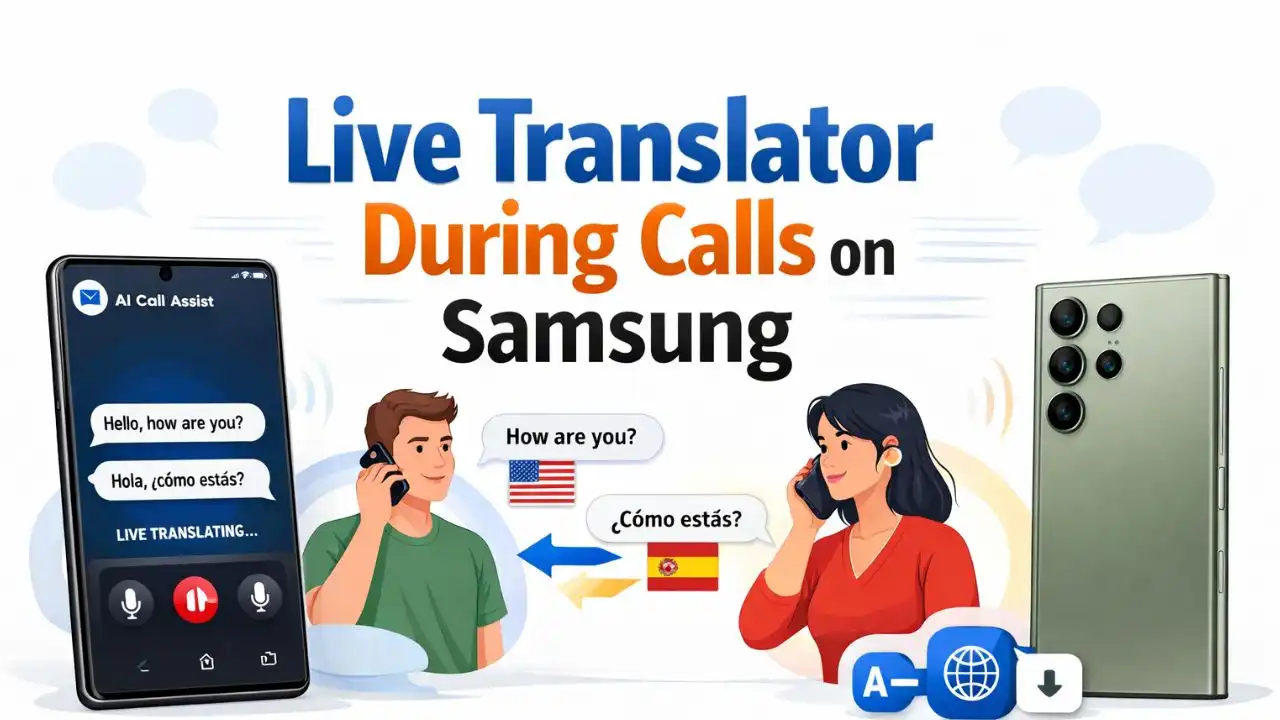
If you’re traveling abroad, Samsung Galaxy S25 Ultra or S25 Plus’s AI Live Translator During Calls on Samsung feature can translate your phone calls in real time. This feature instantly translates both sides of the conversation. Today I will tell you how to set up, enable and use AI Call Assist during a phone call.
How to Enable Live Translation for Calls
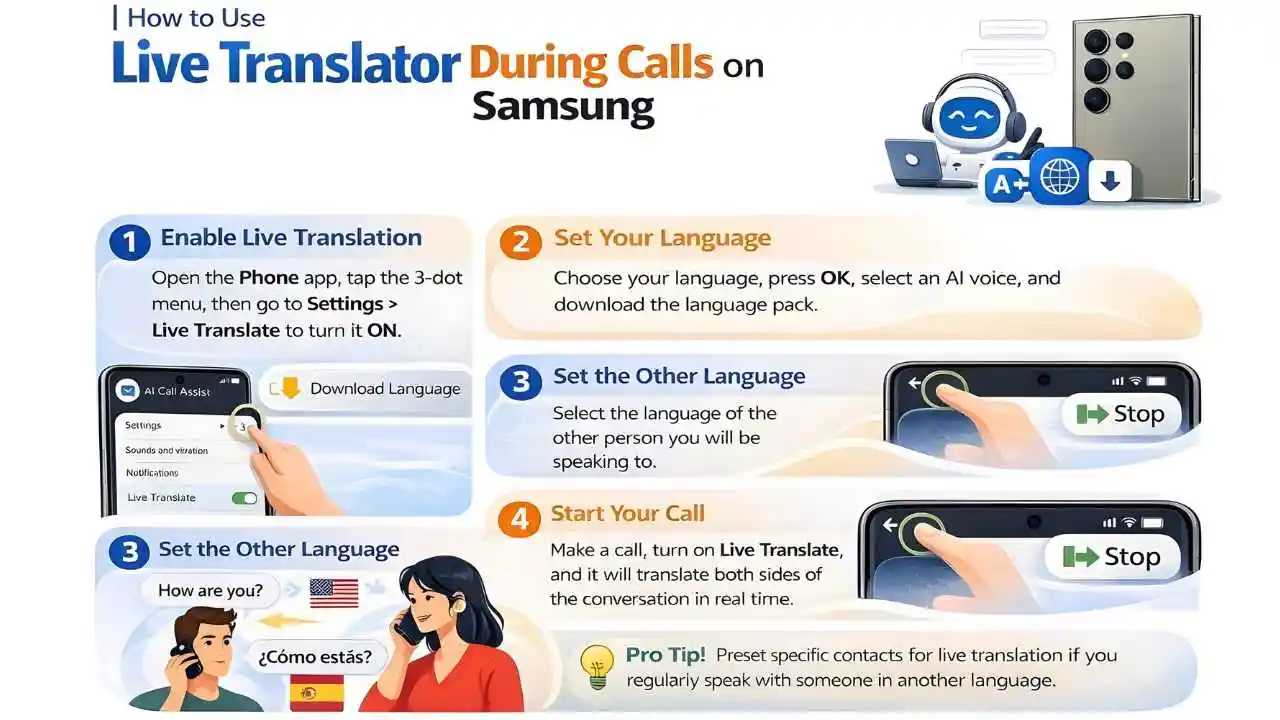
First, open your default Phone app on your Galaxy S25. Tap the three-dot at the top, then go to Settings and select the Live Translate option. Now, turn this feature ON.
Then select your language and tap OK. If it asks you to download a language pack, simply let it download. Now choose an AI voice that will speak the translation in your language. You can listen to a preview and adjust the speech rate to make it easier to understand.
After that, go back and set the other language, which should be the language of the person or country you want to talk to, especially when you’re traveling abroad.
If you mute both voices, you and the other person will only hear the translated voice, which makes the conversation even easier.
Preset Live Translate for Specific Contacts on Galaxy S25
You can also preset the language for specific contacts on your Galaxy S25. This option is obviously useful for those people who regularly talk to someone who speaks a different language.
Using Live Translate During a Call on Samsung Galaxy S25 Ultra.
Whenever you make a call, simply tap on Call Assist and then select Live Translate. A prompt will appear on the screen confirming that live translation has started. Now you can start a normal conversation and your phone will automatically translate one language into the other.
How to stop live translation during a call
To stop live translation, tap the back arrow at the top, or swipe right and tap the stop button.
Live Translator During Calls on Samsung on Samsung Galaxy S25 Ultra and S25 is incredibly helpful for people who regularly communicate with individuals who speak different languages or who travel abroad for business. With real-time translation, you can easily have phone conversations without any language barriers. So, don’t wait and must try this Live Translate feature today.